Product design case study · Amazon · 4 min read

Building a design system for Amazon Pharmacy

Amazon Pharmacy, a full-service online pharmacy, launched in November 2020. Before its component library existed, the same UI patterns were being rebuilt independently across Pharmacy teams. This is how the library was built, and what each component had to survive.

Client
Amazon Pharmacy
Role
UI designer

01 Overview

Project overview
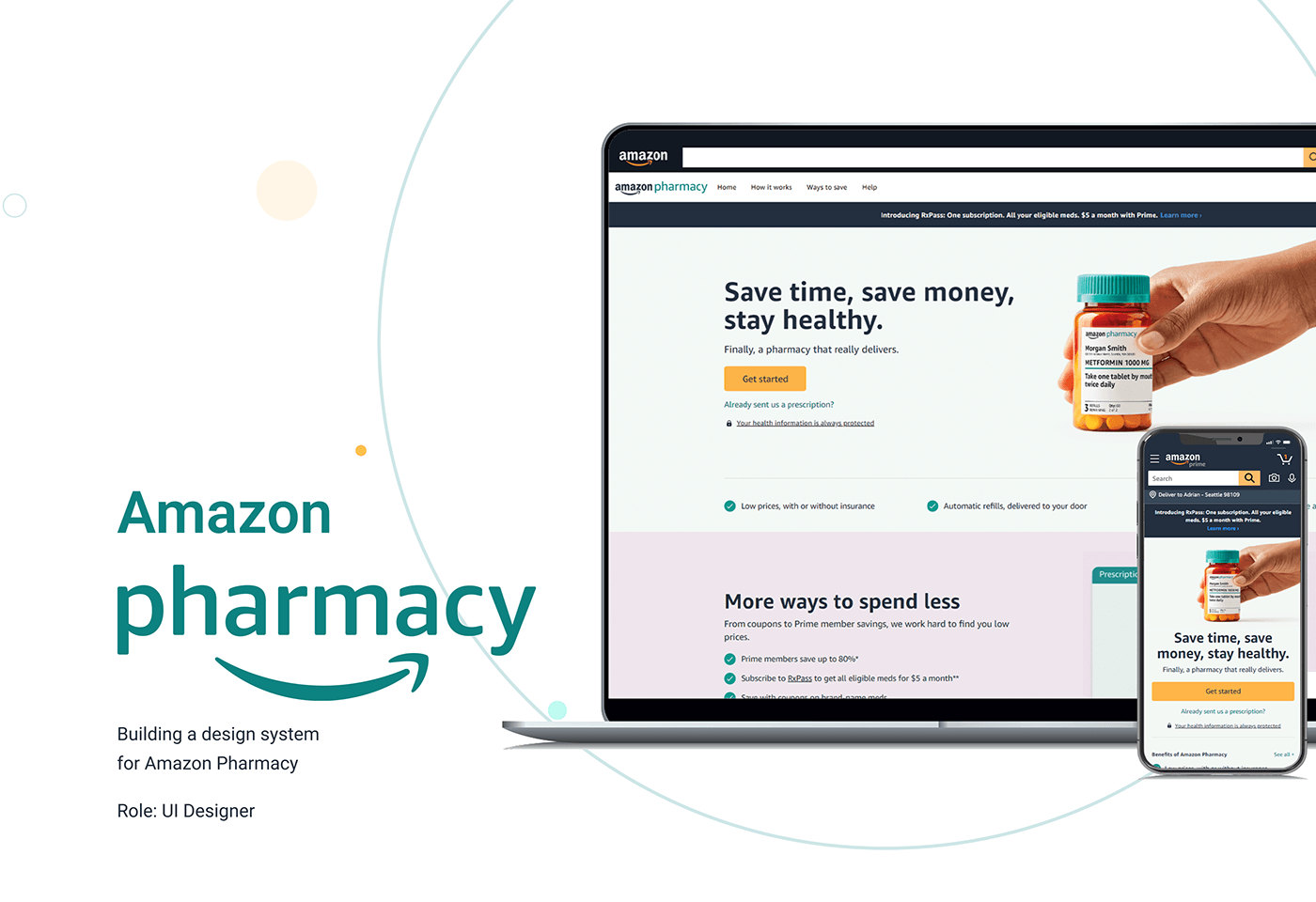
Cover: the Amazon Pharmacy home page on a laptop and a phone, headed Save time, save money, stay healthy. Text: Building a design system for Amazon Pharmacy. Role: UI Designer.
Fig. 01 — The Amazon Pharmacy home page, desktop and mobile. View full screen
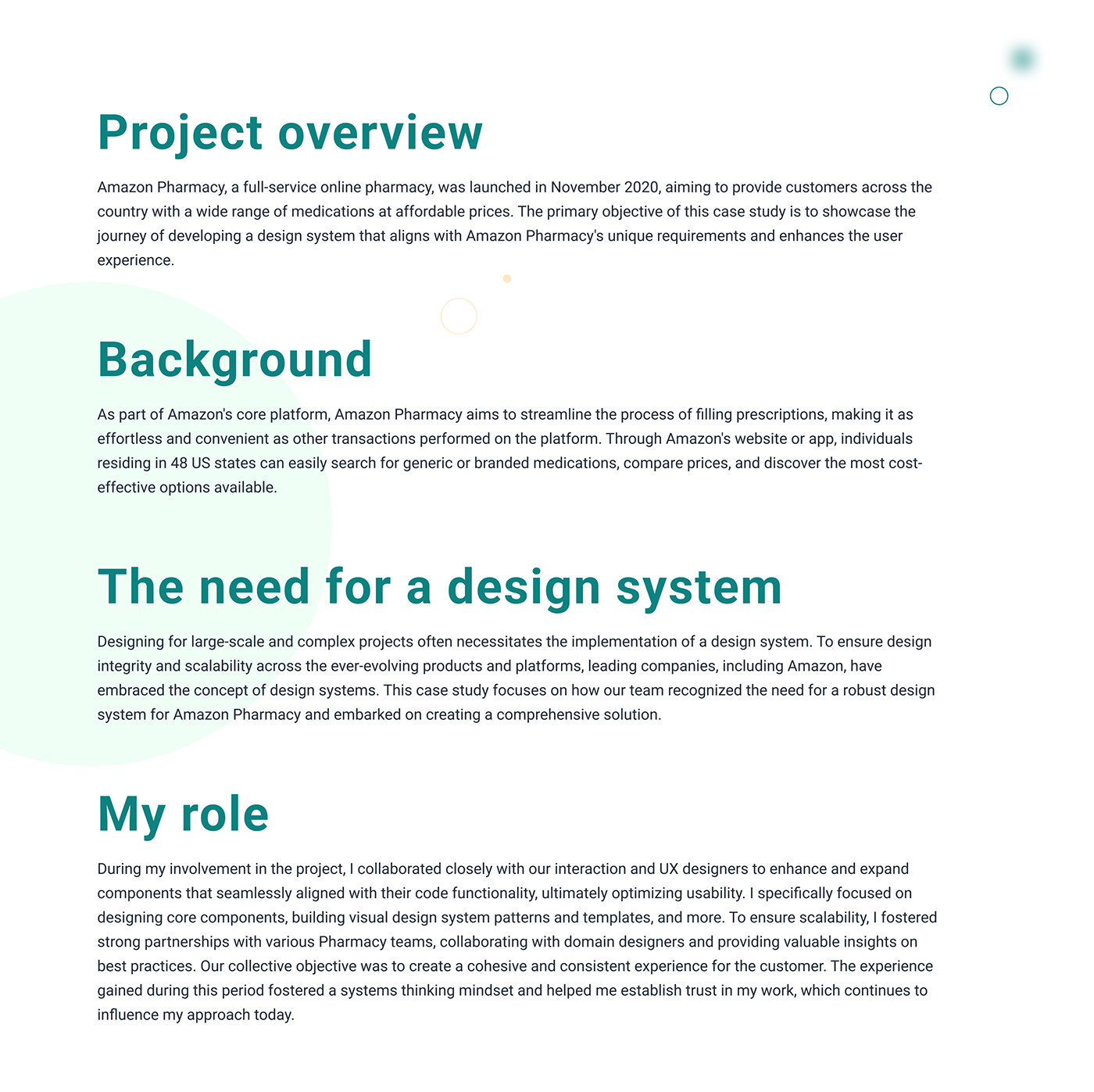
Project overview: Amazon Pharmacy, a full-service online pharmacy, was launched in November 2020, aiming to provide customers across the country with a wide range of medications at affordable prices. Background: as part of Amazon's core platform, Amazon Pharmacy aims to streamline filling prescriptions; individuals in 48 US states can search for generic or branded medications, compare prices and find the most cost-effective options. The need for a design system: to ensure design integrity and scalability across the ever-evolving products and platforms, our team recognised the need for a robust design system for Amazon Pharmacy. My role: I collaborated closely with our interaction and UX designers to enhance and expand components that aligned with their code functionality. I focused on designing core components, building visual design system patterns and templates, and partnered with various Pharmacy teams and domain designers. The experience fostered a systems thinking mindset that continues to influence my approach today.
Fig. 02 — The background, why a design system was needed, and my role. View full screen

02 Approach

Approach and constraints
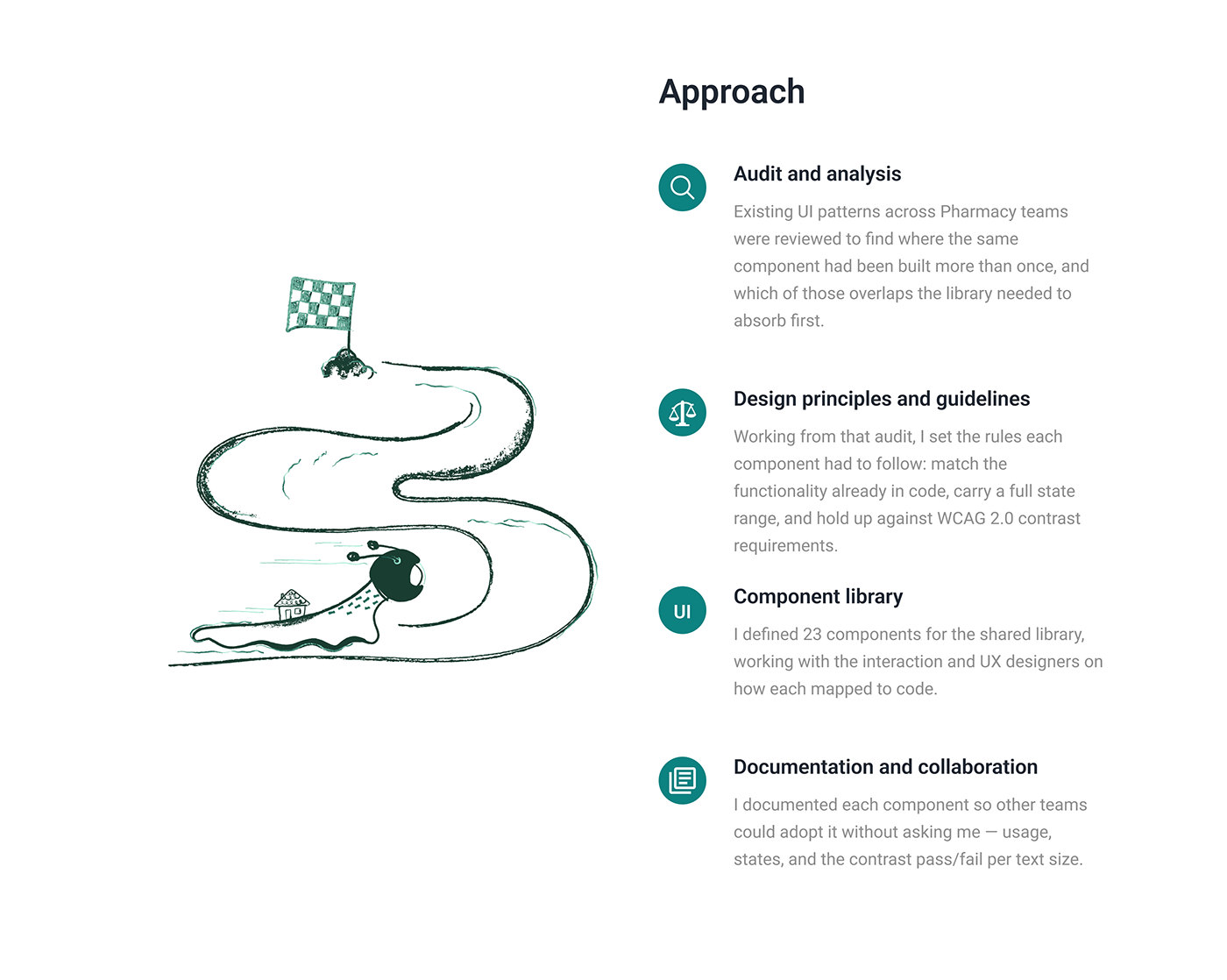
Approach, in four steps. Audit and analysis: existing UI patterns across Pharmacy teams were reviewed to find where the same component had been built more than once, and which of those overlaps the library needed to absorb first. Design principles and guidelines: working from that audit, I set the rules each component had to follow: match the functionality already in code, carry a full state range, and hold up against WCAG 2.0 contrast requirements. Component library: I defined 23 components for the shared library, working with the interaction and UX designers on how each mapped to code. Documentation and collaboration: I documented each component so other teams could adopt it without asking me — usage, states, and the contrast pass/fail per text size.
Fig. 03 — Audit, principles, library, documentation. View full screen
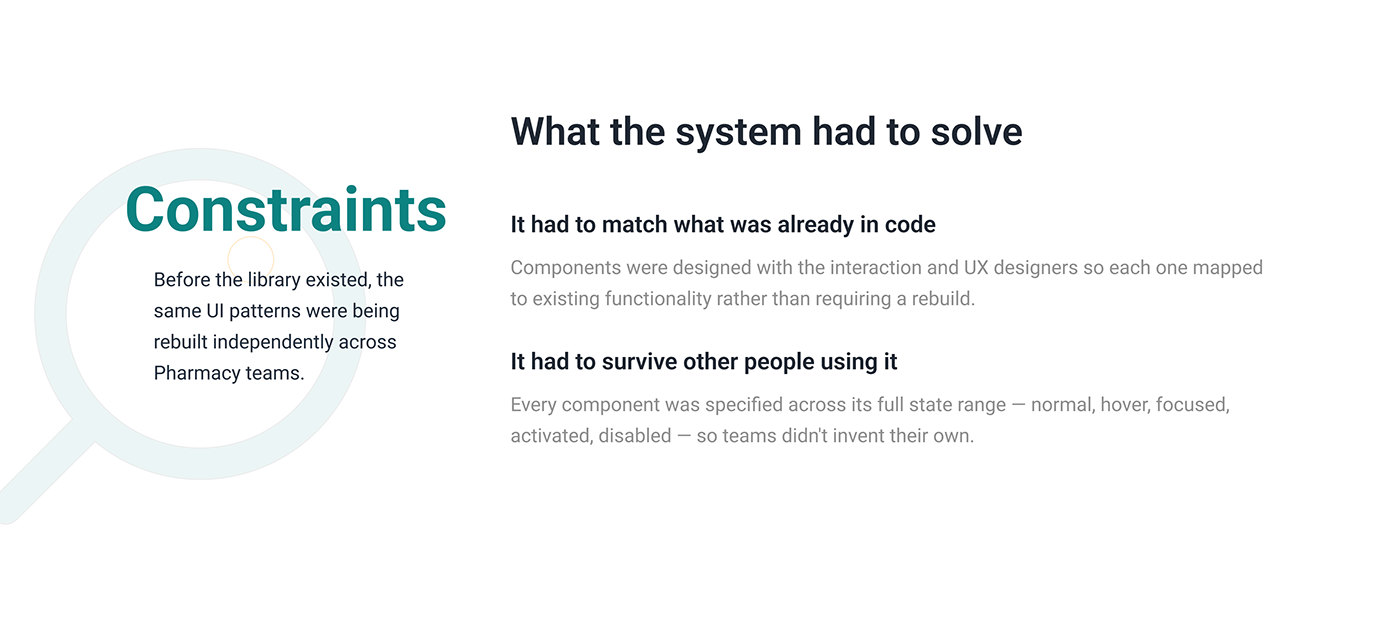
Constraints: before the library existed, the same UI patterns were being rebuilt independently across Pharmacy teams. What the system had to solve. It had to match what was already in code: components were designed with the interaction and UX designers so each one mapped to existing functionality rather than requiring a rebuild. It had to survive other people using it: every component was specified across its full state range — normal, hover, focused, activated, disabled — so teams didn't invent their own.
Fig. 04 — What each component had to survive. View full screen

03 Results

Results

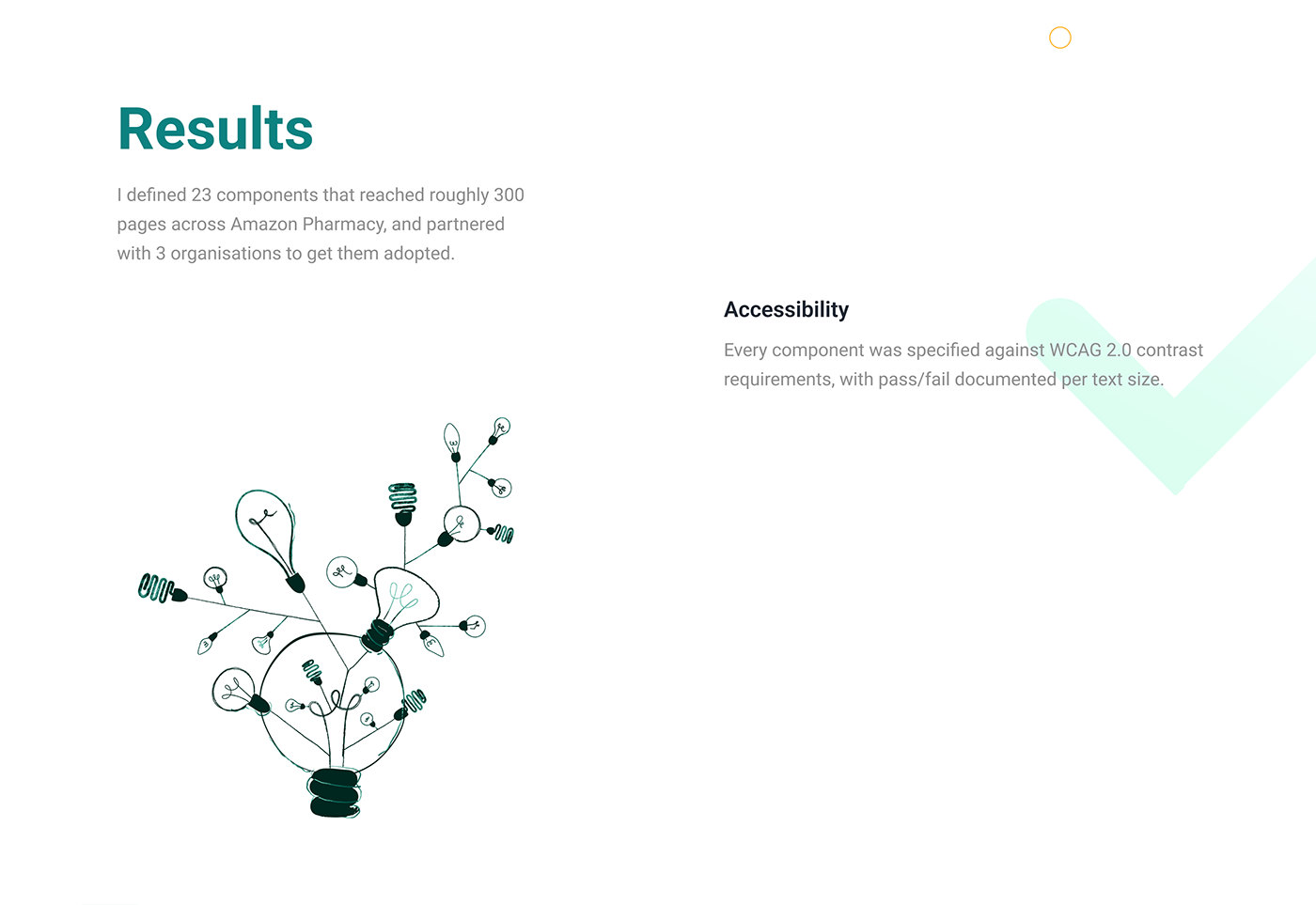
Results: I defined 23 components that reached roughly 300 pages across Amazon Pharmacy, and partnered with 3 organisations to get them adopted. Accessibility: every component was specified against WCAG 2.0 contrast requirements, with pass/fail documented per text size.
Fig. 05 — 23 components, roughly 300 pages, 3 organisations. View full screen

04 UI design

The components

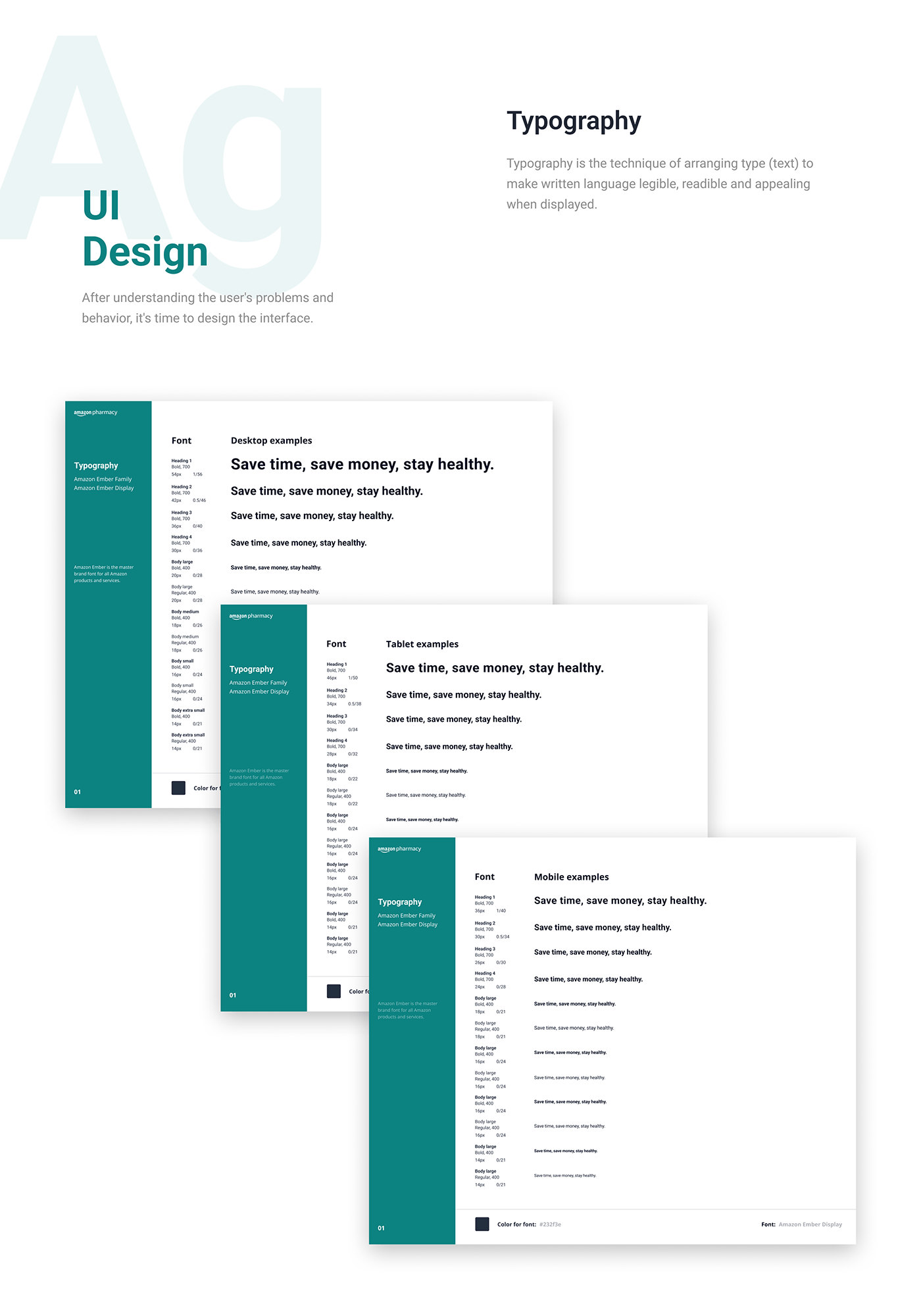
Typography: the type scale in Amazon Ember, shown on desktop, tablet and mobile — headings 1 to 4 and body sizes from large to extra small, each with its weight, size and line height, set in the sample line Save time, save money, stay healthy. Font colour 232F3E.
Fig. 06 — Typography, desktop to mobile. View full screen
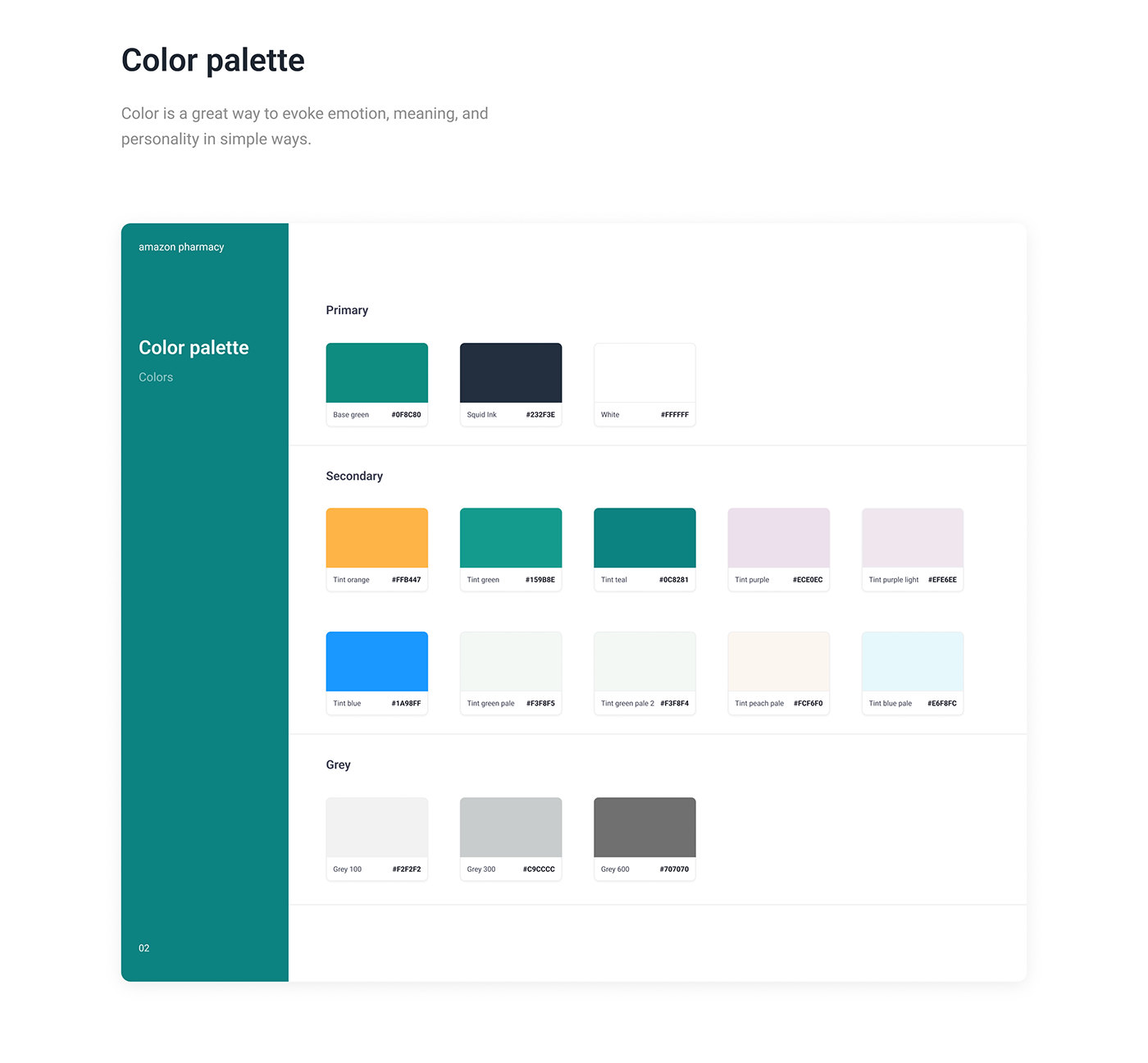
Colour palette. Primary: Base green 0F8C80, Squid Ink 232F3E, white. Secondary: tint orange FFB447, tint green 15988E, tint teal 0C8281, tint purple ECE0EC, tint purple light EFE6EE, tint blue 1A98FF, tint green pale F3F8F5, tint green pale 2 F3F8F4, tint peach pale FCF6F0, tint blue pale E6F8FC. Grey: 100 F2F2F2, 300 C9CCCC, 600 707070.
Fig. 07 — The colour palette. View full screen
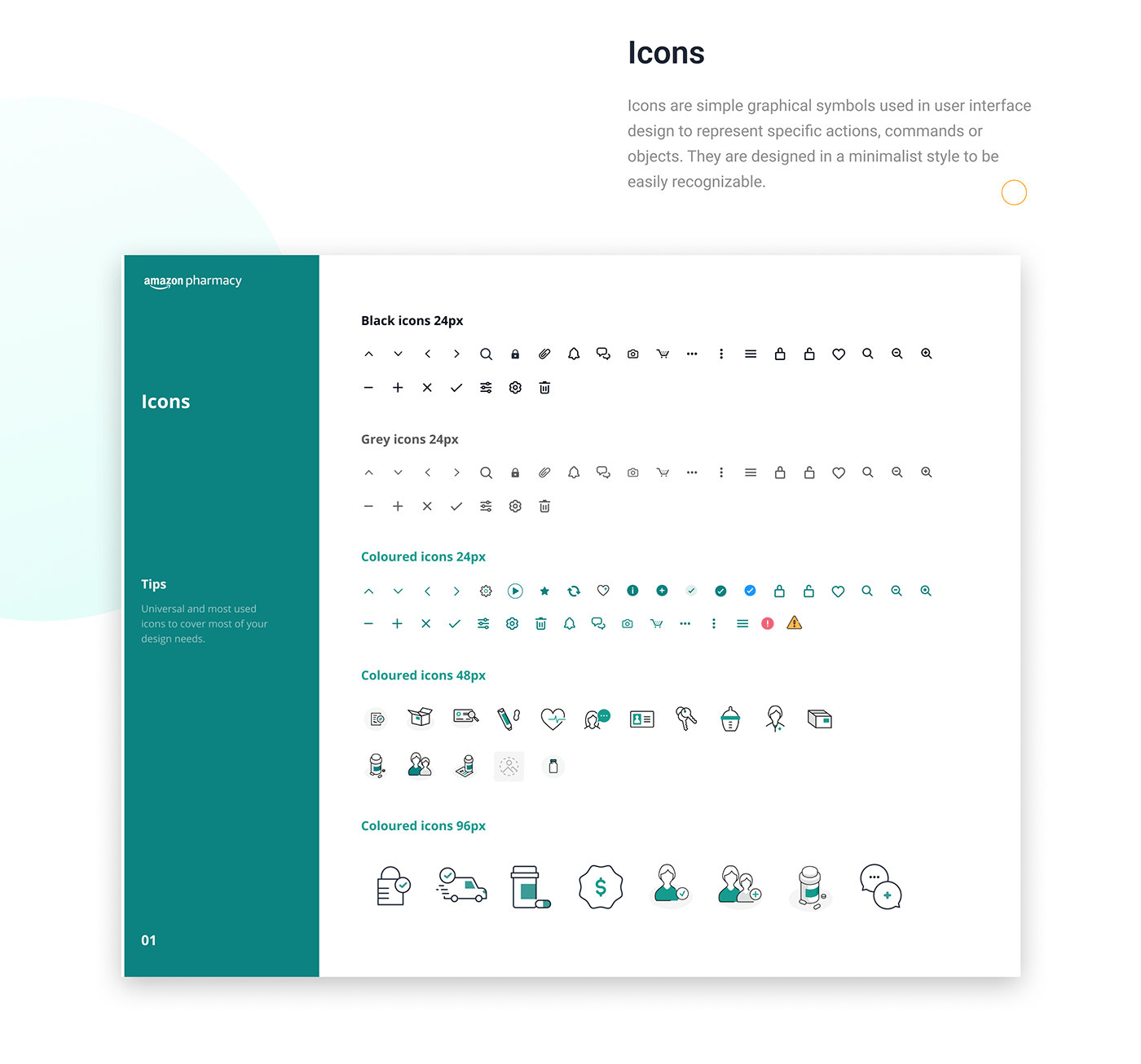
Icons: black and grey icons at 24px, coloured icons at 24px, and illustrated coloured icons at 48px and 96px, such as a prescription bottle, a delivery van and a pharmacist.
Fig. 08 — Icons, from 24px to 96px. View full screen
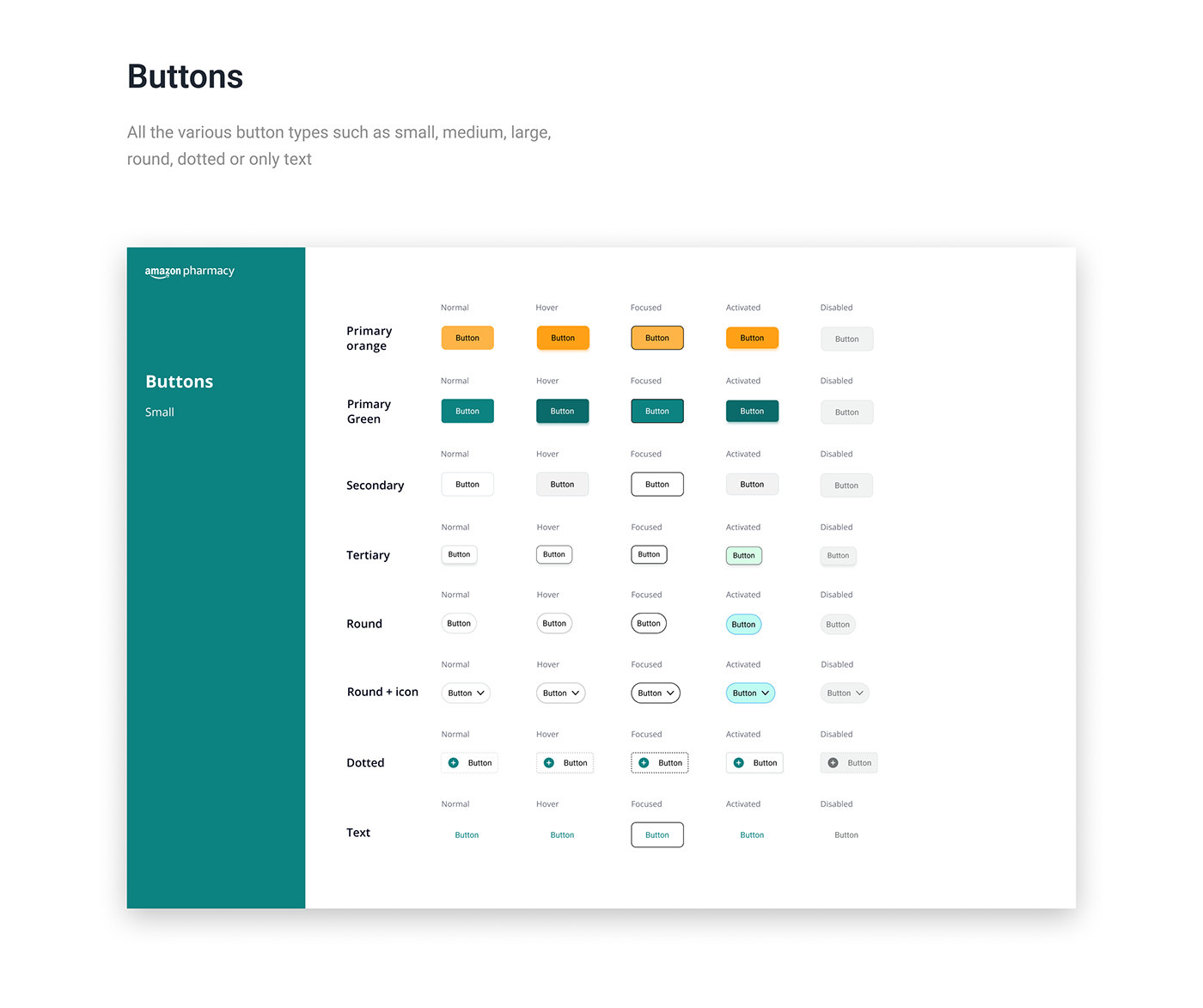
Buttons, small: primary orange, primary green, secondary, tertiary, round, round with icon, dotted and text buttons, each shown normal, hover, focused, activated and disabled.
Fig. 09 — Buttons, every type across five states. View full screen
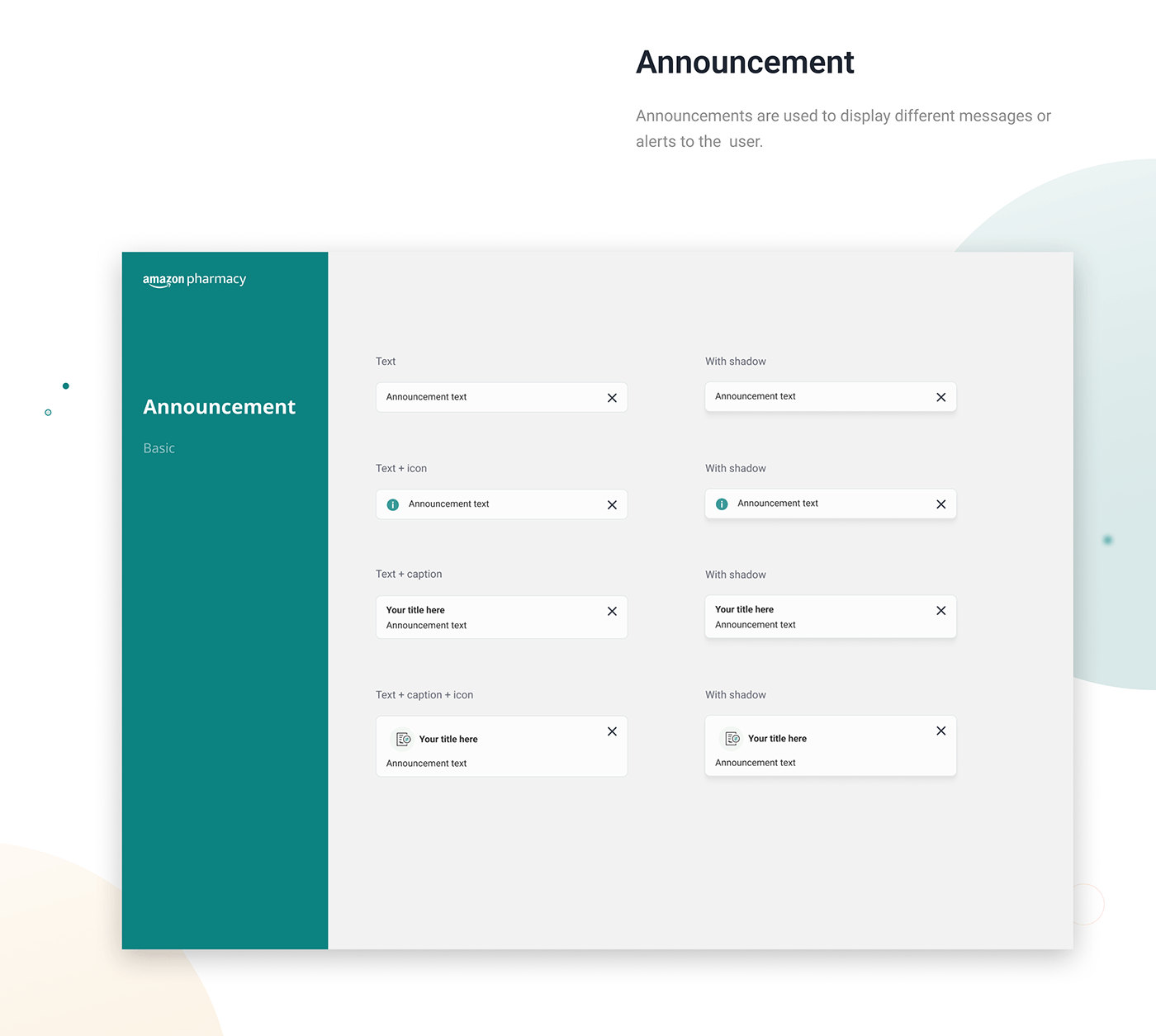
Announcement, basic: text, text with icon, text with caption, and text with caption and icon, each with a close button, flat and with shadow.
Fig. 10 — Announcements. View full screen
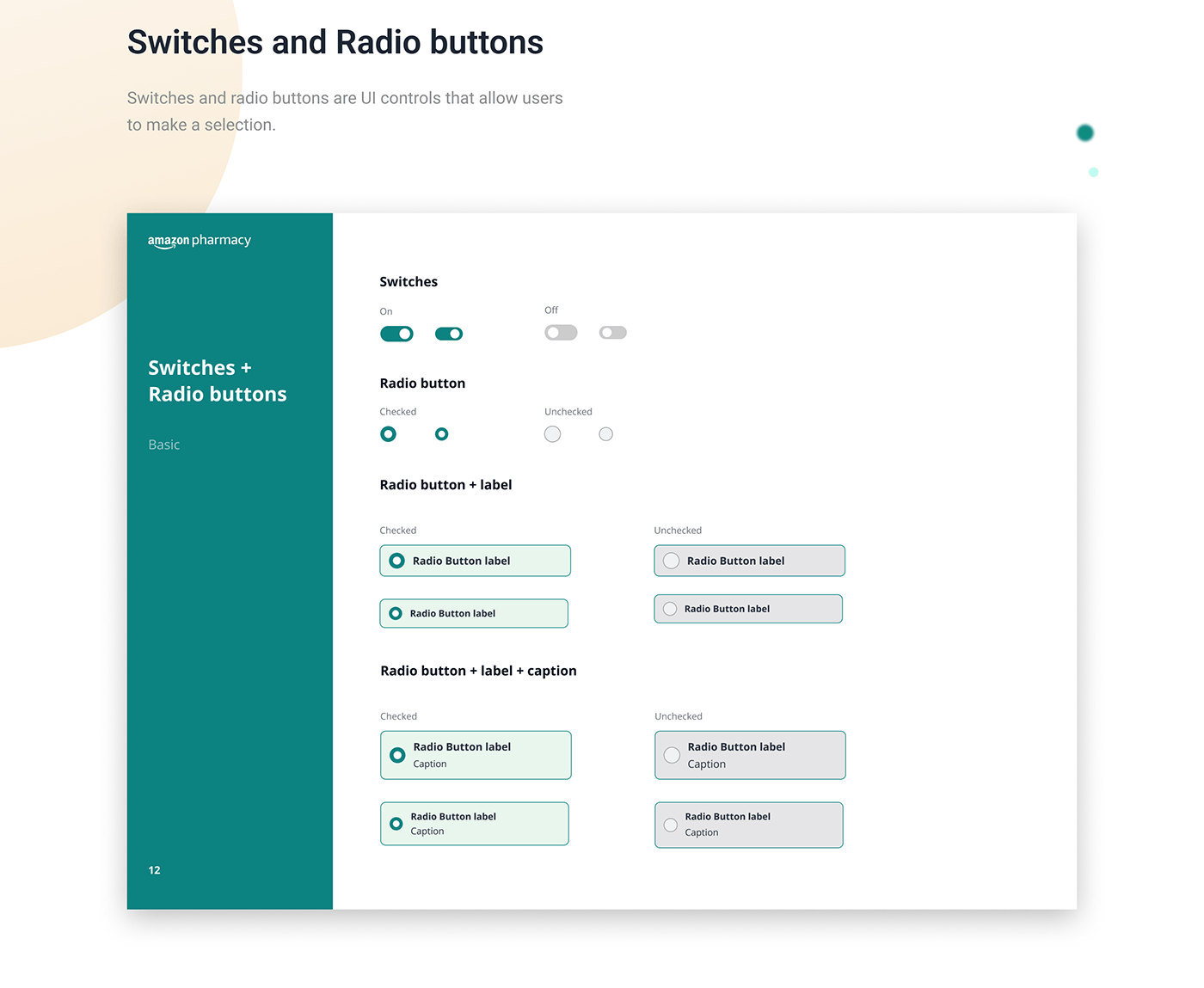
Switches and radio buttons, basic: switches on and off, radio buttons checked and unchecked, and radio buttons with a label and with a label and caption, in two sizes.
Fig. 11 — Switches and radio buttons. View full screen
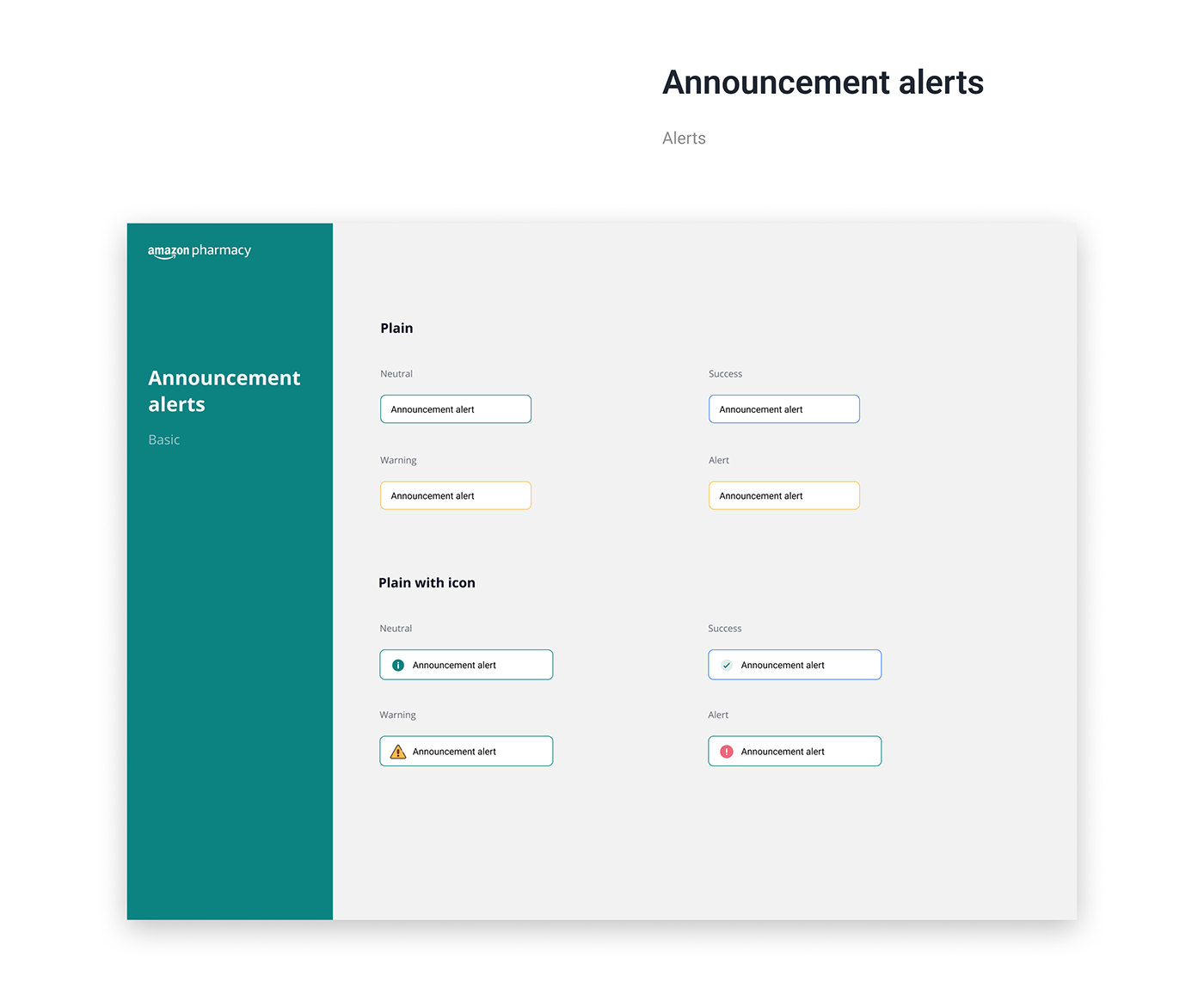
Announcement alerts, basic: plain and plain with icon, each as neutral, success, warning and alert.
Fig. 12 — Announcement alerts. View full screen
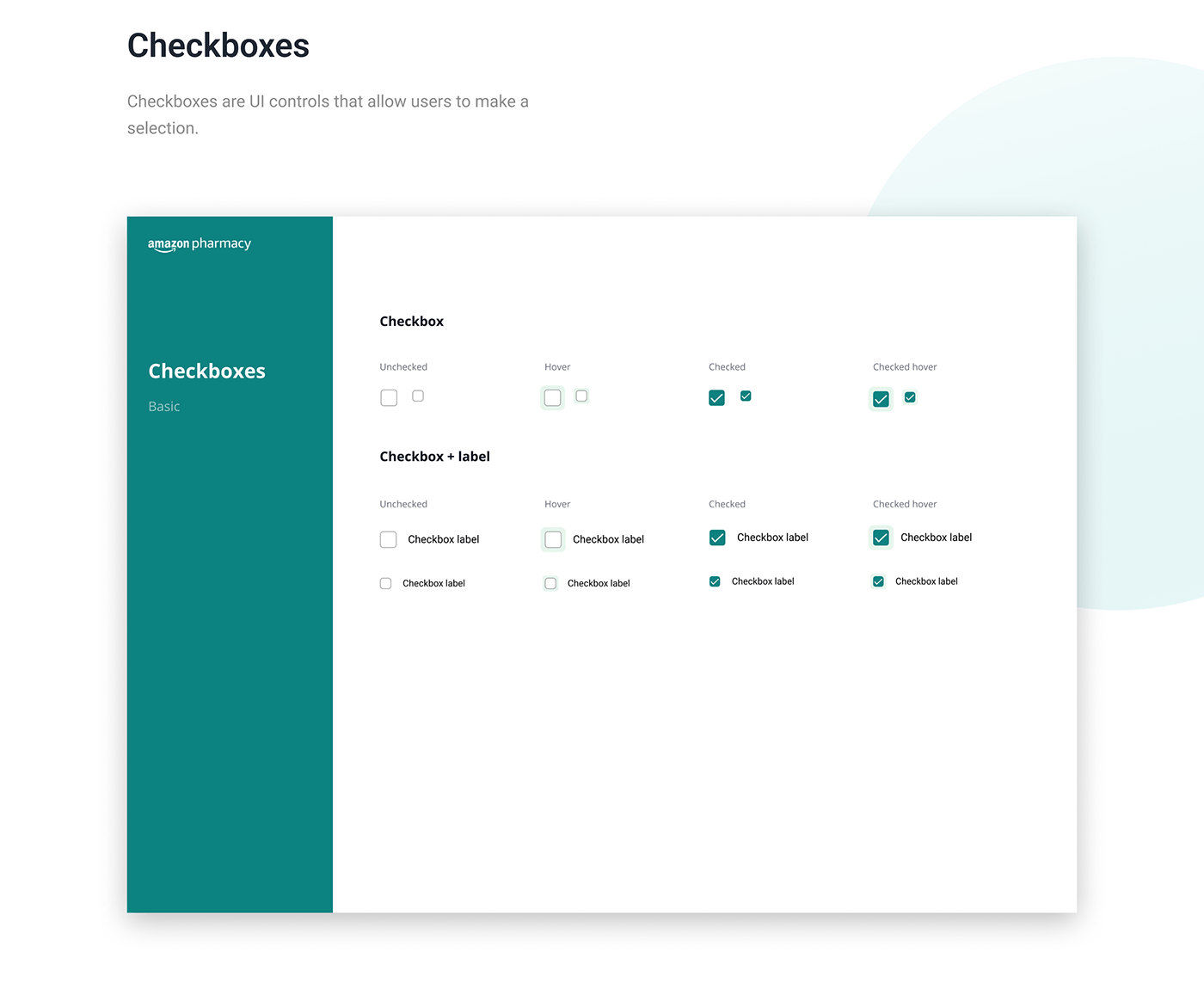
Checkboxes, basic: checkbox and checkbox with label, each unchecked, hover, checked and checked hover, in two sizes.
Fig. 13 — Checkboxes. View full screen

05 Retrospective

Retrospective
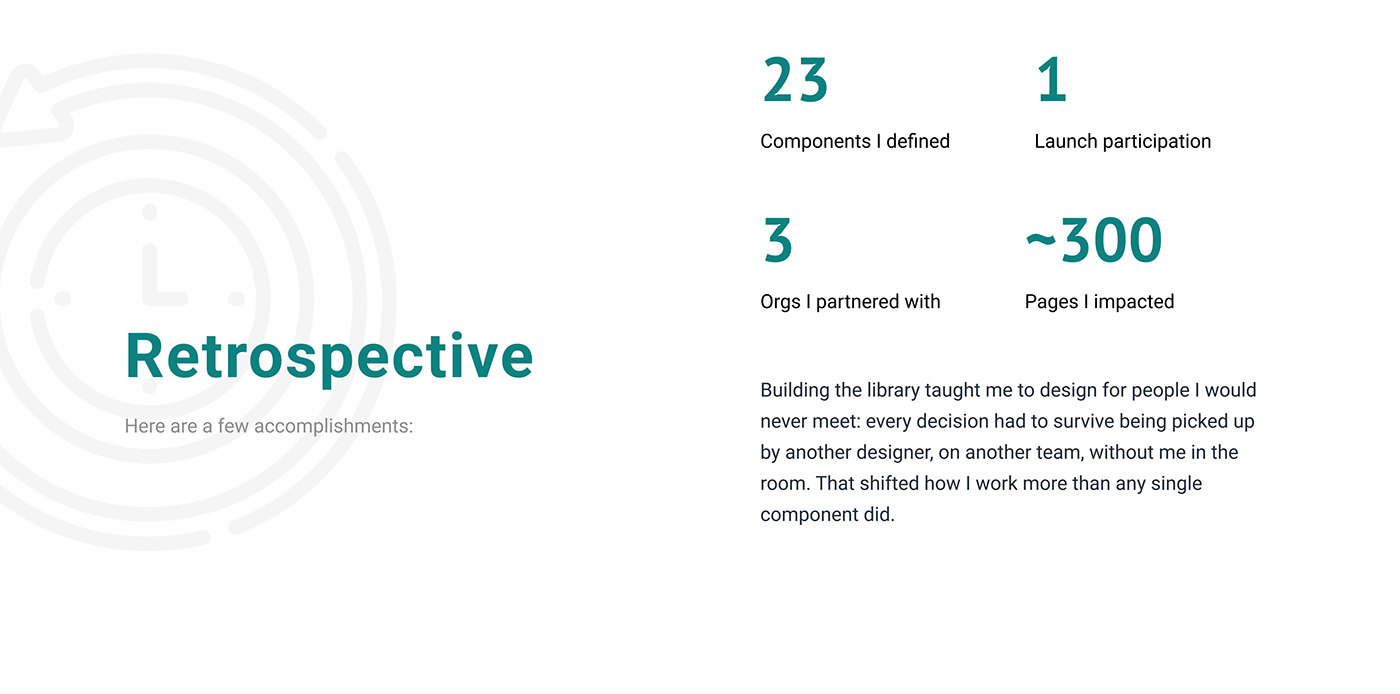
Retrospective: 23 components I defined, 1 launch participation, 3 orgs I partnered with, about 300 pages I impacted. Building the library taught me to design for people I would never meet: every decision had to survive being picked up by another designer, on another team, without me in the room. That shifted how I work more than any single component did.
Fig. 14 — What the library taught me. View full screen
Next case study · 8 min read There is no web cashier. So the link has to carry the payment. Deposit app and agent tool for a system with no web cashier.